
Transfer photos between iPhone or iPad and Android
Move photos and videos directly between an iPhone or iPad and an Android phone or tablet. The two devices just need to be on the same WiFi network.
Before you begin
- Photo Transfer App installed on both devices (iOS, Android).
- Both devices on the same WiFi network.
- Photo/media permission granted on each end.
Step-by-step
- Open Photo Transfer App on both devices.
- On the receiver, tap Receive. The list of nearby devices that want to send appears here.
- On the sender, tap Send → Another device.
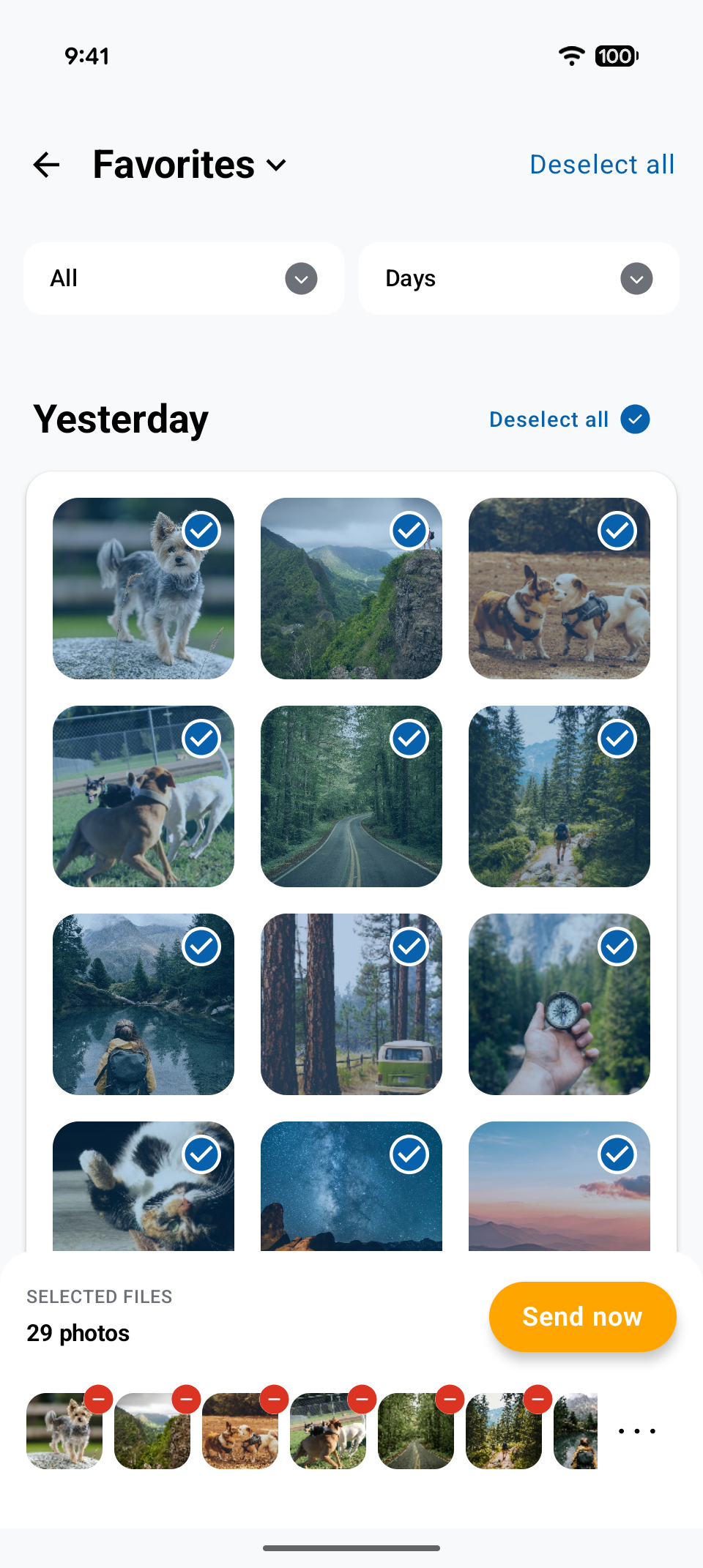
- The sender opens its photo library. Select the photos and videos you want to send.
- On the receiver, pick the sender from the discovered-devices list to accept the transfer.
|
|
|
|---|

HEIC photos from iPhone
Modern versions of Android (10+) can open HEIC photos. If your phone or photo viewer can't, switch on automatic HEIC → JPG conversion in the iOS app's settings and Photo Transfer will convert each file as it's sent.
What's preserved
- Full original resolution, EXIF metadata, GPS, capture date.
- Live Photos arrive on Android as Motion Photos, and Android Motion Photos arrive on iPhone as Live Photos. Both conversions can be turned off in each app's settings.
- ProRAW/DNG arrive at full bit depth.